
Built for Long PDFs
Convert reports, ebooks and study materials without copying text section by section.
Built for long documents, with M4B, EPUB, DOCX and TXT support.
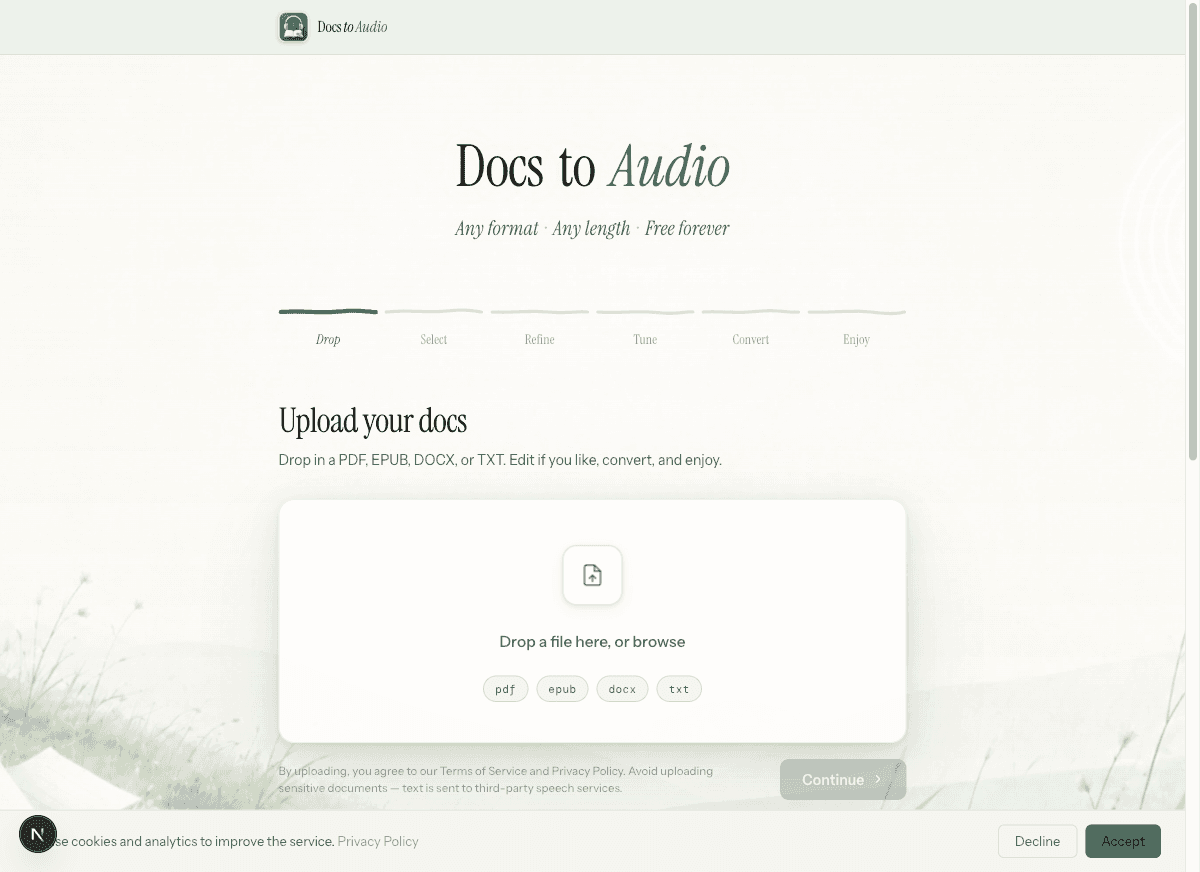
Upload a PDF, choose the pages or chapters you need, and convert it to MP3 or M4B. EPUB, DOCX and TXT files are also supported.
Drop your PDF here, or browse
By uploading, you agree to our Terms of Service and Privacy Policy. Avoid uploading sensitive documents — text is sent to third-party speech services.
Turn a PDF into downloadable audio in six simple steps.
Add the PDF you want to convert.
Choose the sections you want to hear.
Remove headers, page numbers, references or anything you do not want read aloud.
Choose a voice and preview a sample before committing.
Generate audio from the selected content, and follow the conversion progress.
Save a ZIP of individual MP3 files or a single M4B audiobook with chapter marks.
Why DocsToAudio
DocsToAudio turns reports, ebooks and study materials into downloadable audio. Select the sections you need, review the extracted text, choose a voice, and save the result as MP3 or M4B.
Convert reports, ebooks and study materials without copying text section by section.
Download a ZIP of individual MP3 files for broad compatibility, or a single M4B audiobook with chapter marks.
Select the pages or chapters you need and remove headers, page numbers or references before generating audio.
Need another format? The same workflow also supports EPUB, DOCX and TXT files.
Convert PDFs of any length with Standard or Premium. Premium adds background conversion and 7-day re-downloads — pay as you go, no subscription.
Learn about PDF to audio conversion, supported formats, MP3 and M4B downloads, voices, privacy, and pricing.